The best action camera for NZ marine reserves is the DJI Osmo Action 4 due to its larger 1/1.3-inch sensor, which provides superior performance in the lower-light, nutrient-rich green waters typical of New Zealand. While the GoPro Hero 12 offers higher resolution, the Action 4 delivers better color accuracy and dynamic range in temperate marine environments without requiring extensive post-production color grading.
Capturing New Zealand’s Underwater World
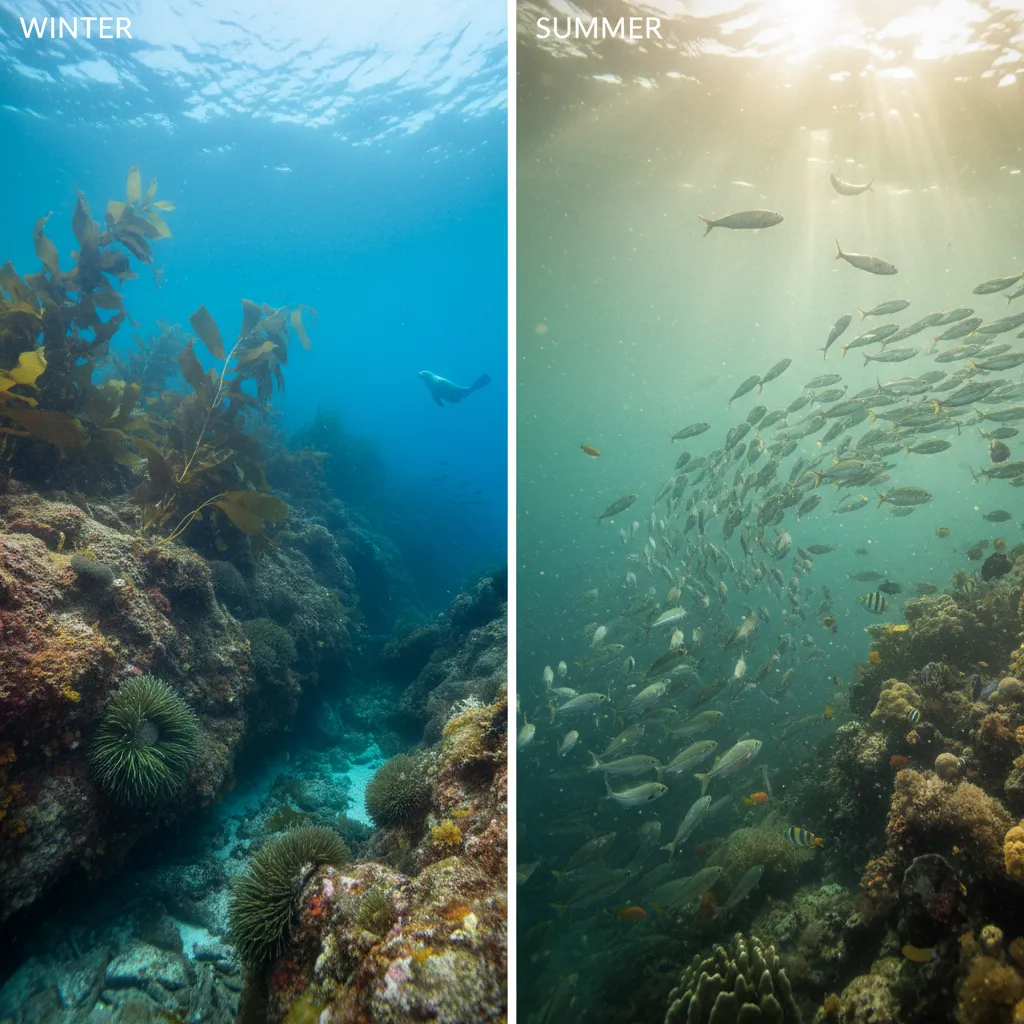
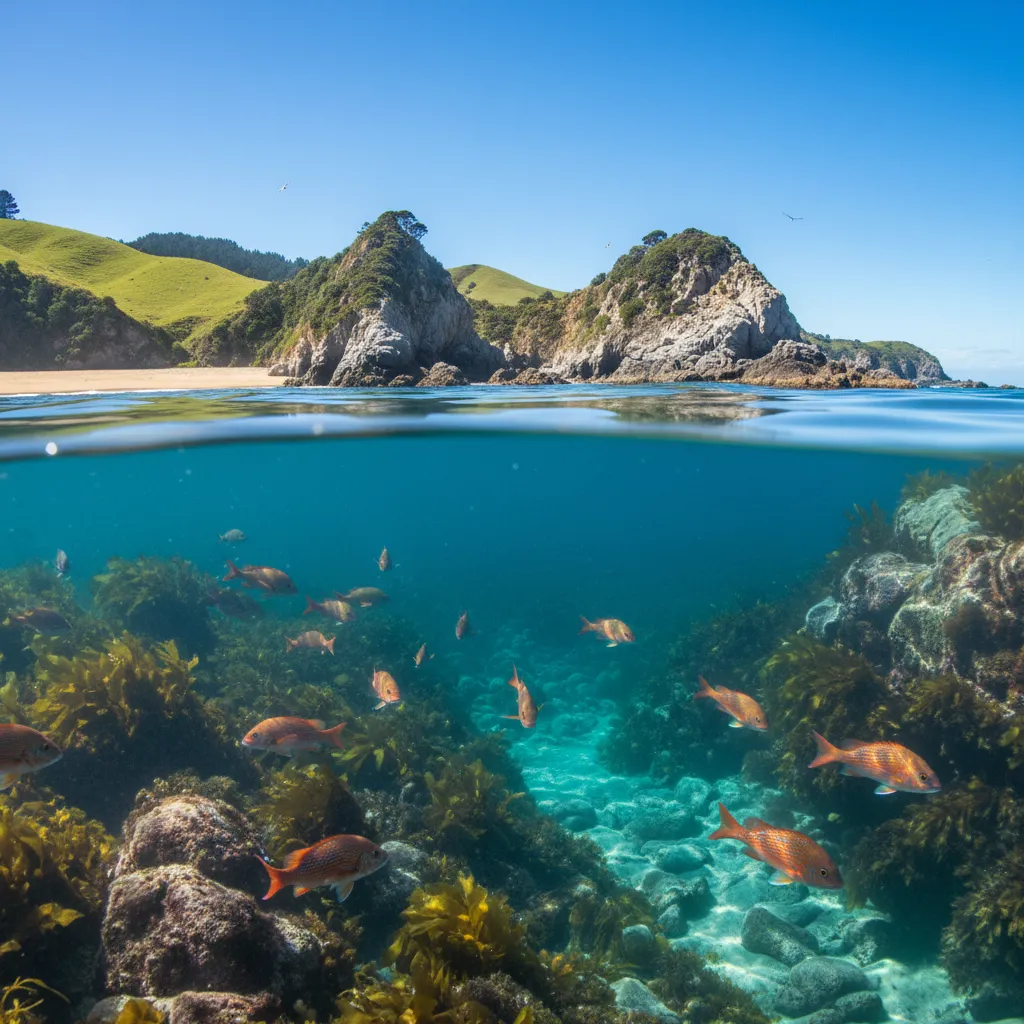
New Zealand’s marine reserves, from the subtropical Poor Knights Islands to the shadowed depths of Milford Sound, offer some of the most spectacular diving and snorkeling experiences on the planet. However, capturing this beauty requires specific technology. Unlike the crystal-clear, bright blue waters of the tropics, NZ waters are often nutrient-rich, resulting in a distinct green tint and lower light conditions due to particulate matter.
For marine tourism operators, educators, and enthusiasts, choosing the right equipment is critical. The footage must not only be high definition but also color-accurate to effectively showcase the unique biodiversity, from the friendly Sandager’s Wrasse to the elusive Crayfish. This guide analyzes the top action cameras specifically through the lens of New Zealand’s unique marine conditions.
GoPro vs. DJI: Handling Low Light & Green Tint
The debate between industry giants GoPro and DJI takes a specific turn when the setting is the temperate ocean of New Zealand. The primary challenge in NZ marine reserves is not just waterproofing, but sensor performance in mixed visibility.
The Sensor Size Advantage
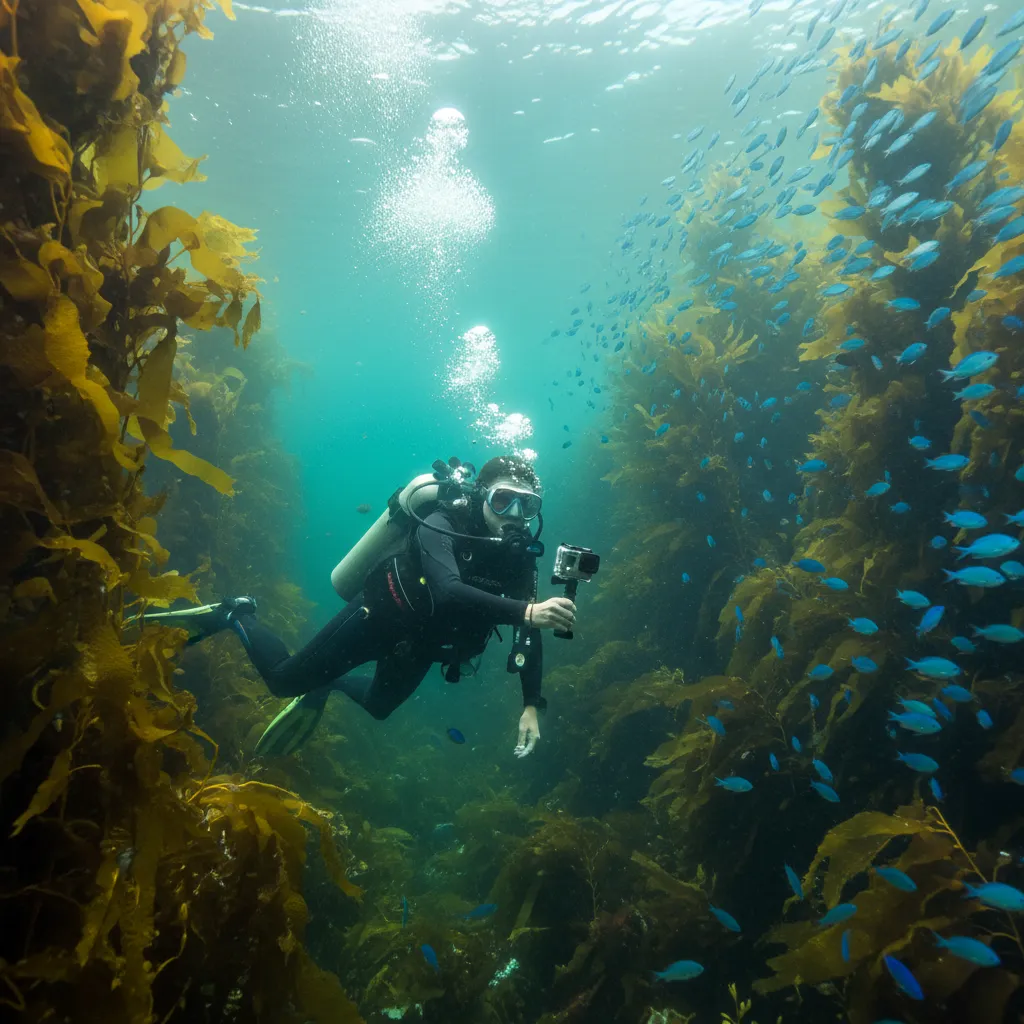
In the context of NZ’s marine reserves, the sensor size is arguably the most critical specification. New Zealand waters, while beautiful, are often darker than tropical locations. Plankton blooms, which feed the massive fish populations at Goat Island or Cathedral Cove, reduce light penetration.
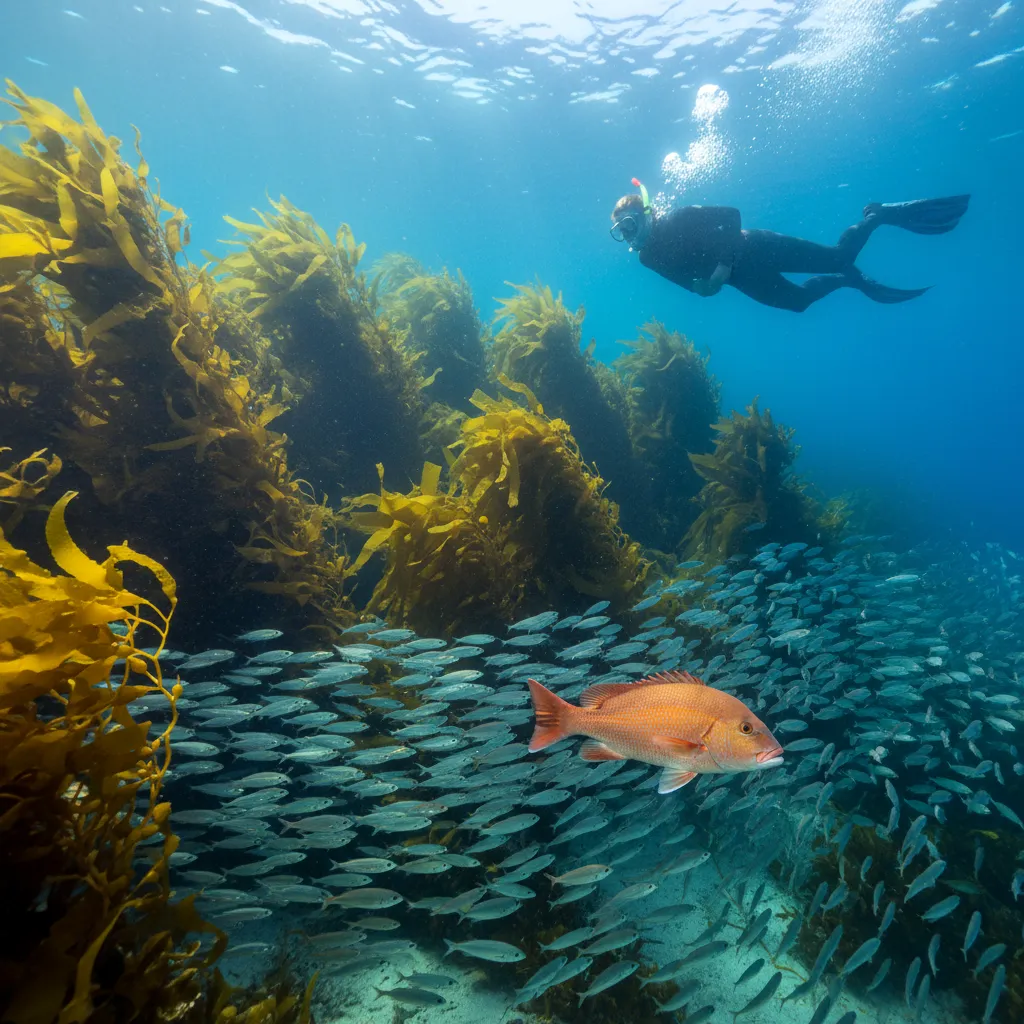
DJI Osmo Action 4 features a 1/1.3-inch sensor. This larger sensor captures more light, resulting in cleaner footage with less digital noise (grain) when diving past 10 meters where light fades rapidly. For commercial operators filming promotional material in the late afternoon or on overcast days, this is a game-changer.
GoPro Hero 12/13 Black utilizes a slightly smaller 1/1.9-inch sensor with an unusual 8:7 aspect ratio. While it boasts 5.3K resolution (higher than DJI’s 4K), the pixel density on the smaller sensor can lead to muddier shadows in low-light kelp forests. However, GoPro’s HDR (High Dynamic Range) video mode is exceptional at balancing bright surface sunlight with darker underwater reefs, provided there is enough ambient light.
Color Science: The “Green Water” Test
GoPro has traditionally leaned towards a “punchy” color profile that accentuates blues. In NZ, this can sometimes skew the natural green emerald tones of the water towards an artificial teal. DJI’s D-Log M color profile tends to be flatter and more neutral out of the camera, allowing for more accurate color grading in post-production to retain the authentic look of the Poor Knights’ sponge gardens.
Essential Filters for NZ Water Color Correction
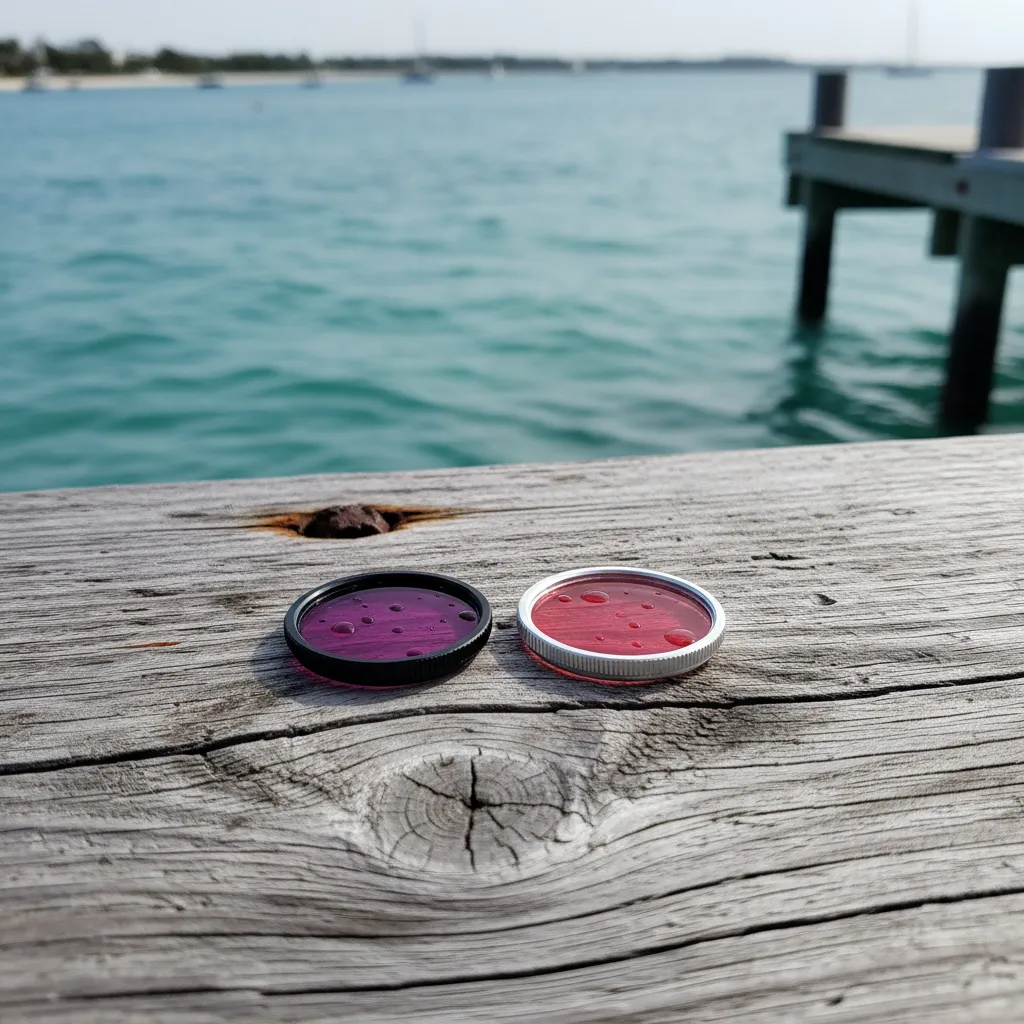
One of the most common mistakes divers make in New Zealand is using a standard “Red Filter” designed for tropical blue water. If you use a deep red filter in the green-tinted waters of the Hauraki Gulf or Marlborough Sounds, your footage will likely come out looking purple or muddy.
Why Magenta is Key
For green water, you need a Magenta Filter. This filter eliminates the excess green spectrum, restoring natural skin tones and the vibrant colors of marine life. This is particularly important for educators filming content for students; accurate color representation is vital for species identification.
Depth-Specific Recommendations
- 0-5 Meters (Snorkeling): Usually, no filter is needed if the sun is bright. The camera’s auto white balance can handle this depth.
- 5-12 Meters (Shallow Dive): A light red or “Snorkel” filter helps in blue water, but a light magenta filter is preferred for green water areas like the inner Hauraki Gulf.
- 12-25 Meters (Deep Dive): A dense Magenta filter is essential. Without it, red, orange, and yellow wavelengths are completely absorbed, leaving your footage monochromatic blue-green.
Pro Tip: If you are shooting in RAW or using a flat color profile (like GoPro’s Flat or DJI’s D-Log), you can often correct color in post-production software like DaVinci Resolve without a physical filter, provided you have enough light. However, for direct-to-social-media content, physical filters are a time-saver.
Recommended Frame Rates for Fish Behavior
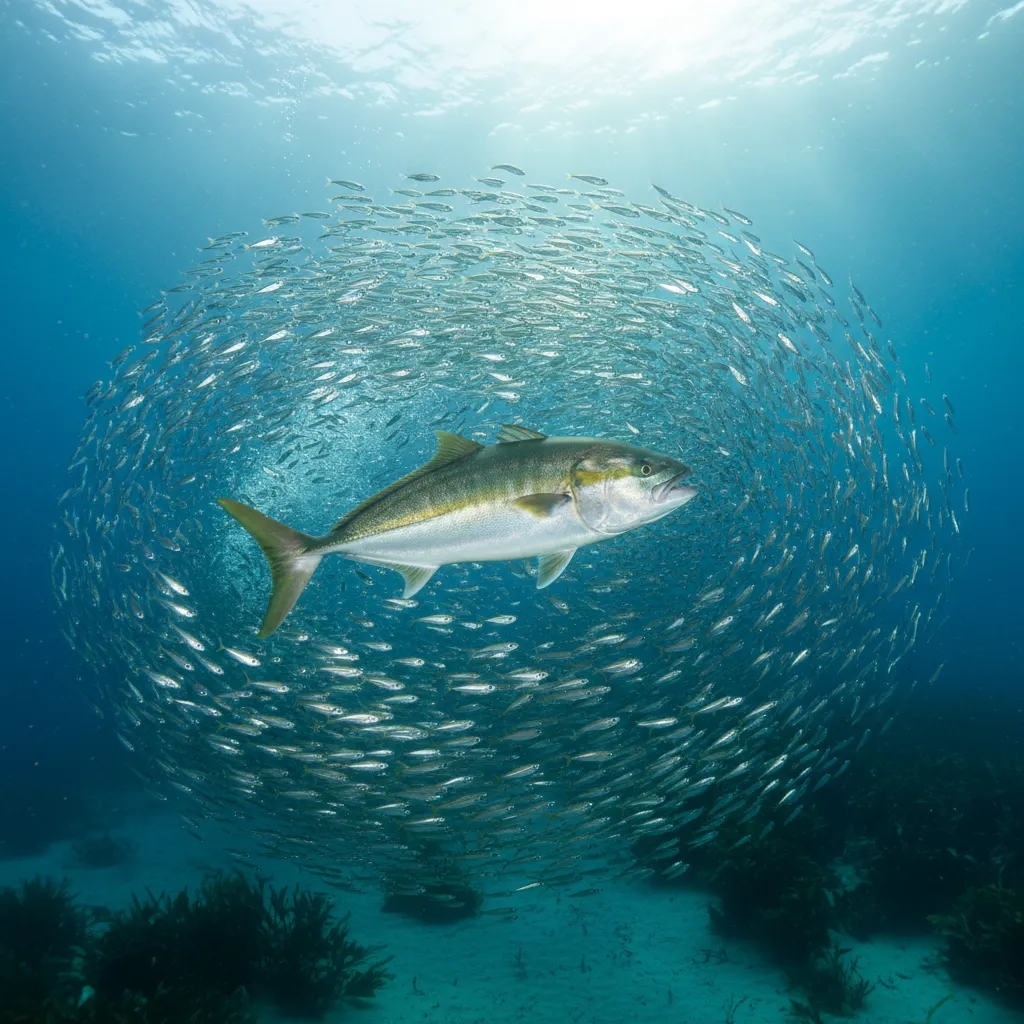
New Zealand’s marine life is dynamic. Kingfish (Whai) move with explosive speed, and Snapper (Tāmure) can be skittish. Choosing the wrong frame rate can result in blurry footage where the subject is indistinguishable.
60fps vs. 120fps
For general underwater filming, 4K at 60fps (frames per second) is the gold standard. This allows you to slow the footage down by 50% in post-production, creating smooth, cinematic motion that stabilizes handheld jitters—common when fighting currents.
For fast action, such as a school of Trevally feeding or a Stingray taking flight, switching to 4K at 120fps (available on newer high-end models) allows for 4x slow motion. This is incredibly valuable for educational analysis, allowing viewers to see the mechanics of fish movement that are too fast for the naked eye.
Warning on Low Light: Higher frame rates reduce the amount of light hitting the sensor per frame. In dark NZ waters, shooting at 120fps can result in dark, grainy footage. Only use high frame rates in shallow, bright conditions.
Top Action Camera Recommendations for 2024
1. DJI Osmo Action 4
Best Overall for NZ Conditions
As mentioned, the sensor size wins here. The low-light capability is unmatched in the action camera segment. The magnetic mounting system is also superior for cold hands, allowing divers to snap the camera onto a mount quickly without fumbling with screws. The color temperature sensor dedicated to white balance helps significantly in correcting the green cast of NZ waters automatically.
2. GoPro Hero 12 Black
Best for Resolution & Stabilization
If your primary dive sites are bright and shallow (like the Poor Knights in summer), the Hero 12 is a powerhouse. HyperSmooth 6.0 stabilization is incredible, essentially eliminating the need for a gimbal. The 5.3K resolution allows for significant cropping, meaning you can film a distant shark and crop in without losing 4K quality. However, you will likely need to tweak the white balance manually.
3. Insta360 Ace Pro
Best for AI Enhancement
Co-engineered with Leica, this camera uses AI to denoise low-light footage. For night dives or deep wreck dives (like the HMNZS Canterbury), the Ace Pro produces surprisingly clear footage where other cameras see only darkness. It also features a flip-up screen, which is excellent for vloggers and educators filming themselves underwater.
Mounting Accessories for Snorkelers
For marine tourism operators providing gear to clients, or snorkelers exploring on their own, how the camera is held is just as important as the camera itself. Hands-free options are popular but can produce nauseating footage if not used correctly.
The Floating Hand Grip (The Bobber)
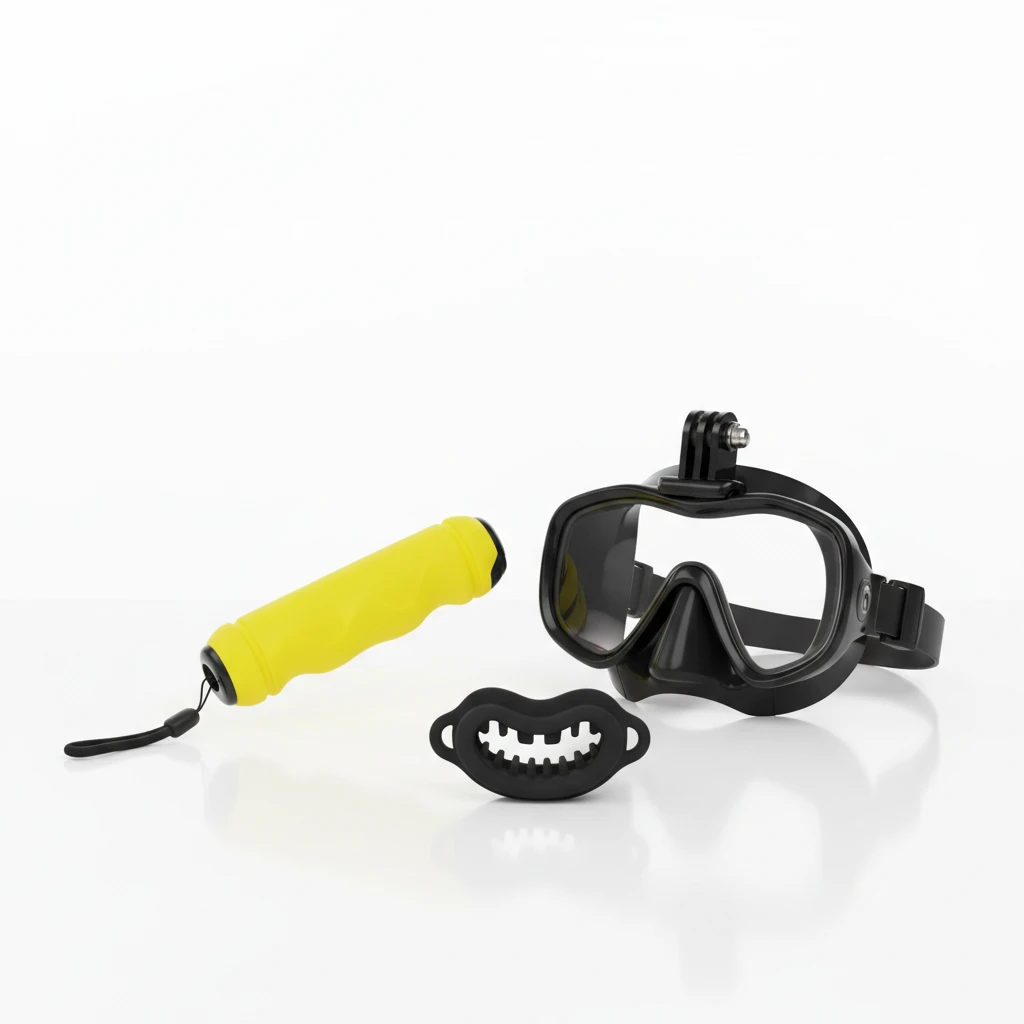
This is the number one essential accessory. If you drop your camera in the ocean, standard mounts will sink it to the bottom. A high-visibility yellow floating grip ensures your expensive device floats to the surface. It also provides a stable handle for smoother panning shots compared to holding the camera body itself.
Mask Mounts vs. Bite Mounts
Mask Mounts: These attach to the frame of the dive mask. While they offer a true POV (Point of View), the footage often suffers from “head shake.” Every time the snorkeler checks their surroundings or clears their snorkel, the camera swings wildly.
Bite Mounts: A favorite among surfers and experienced snorkelers. You hold the mount in your mouth (like a snorkel regulator). It provides POV footage that is surprisingly stable because the human head naturally stabilizes vision. It also allows you to quickly grab the camera with your hand to point it at something behind you, offering versatility that a mask mount lacks.
Extension Poles
For filming shy marine life, an extension pole (selfie stick) allows you to get the camera closer to the subject without the diver’s large body scaring the fish away. Carbon fiber poles are recommended for saltwater use as they do not corrode.
People Also Ask
Do I need a dive housing for GoPro in NZ waters?
While modern GoPros are waterproof to 10m (33ft), a protective dive housing is highly recommended for NZ waters. It protects the camera from salt corrosion, sand, and impact against rocks. Furthermore, if you plan to dive deeper than 10m, a housing is mandatory to prevent pressure damage.
What is the best setting for underwater filming in cloudy water?
In cloudy or murky water, set your resolution to 4K, frame rate to 30fps or 60fps (avoid higher to let light in), and set ISO min/max to 100/800. Locking the ISO prevents the camera from artificially brightening the grain in dark water. Set White Balance to “Native” or 5500K if not using a filter.
How do I stop my action camera lens from fogging up?
Fogging occurs due to temperature differences between the warm camera battery and the cold NZ water. Use anti-fog inserts inside the dive housing. These small desiccant strips absorb moisture. Alternatively, ensure you close the housing in a dry, cool environment (like an air-conditioned car) before the dive.
Is the GoPro Hero 11 good for snorkeling?
Yes, the Hero 11 is excellent for snorkeling. It shares the same sensor as the Hero 12 and offers 10-bit color. The main difference is the Hero 12 has slightly better power management and HDR features, but for casual snorkeling, the Hero 11 is a cost-effective, high-performance option.
Can I use a red filter for snorkeling in NZ?
Generally, no. Red filters are too strong for shallow snorkeling depths and will turn your footage red. For snorkeling in green NZ water, use a light magenta filter or rely on the camera’s auto white balance. Only use filters if you are diving below 5 meters.
What is the best camera for marine biology students?
The Olympus TG-7 (or TG-6) is often preferred for students over standard action cameras because of its incredible “Microscope Mode.” It can focus as close as 1cm, allowing students to capture minute details of nudibranchs, coral polyps, and algae structures that action cameras cannot focus on.